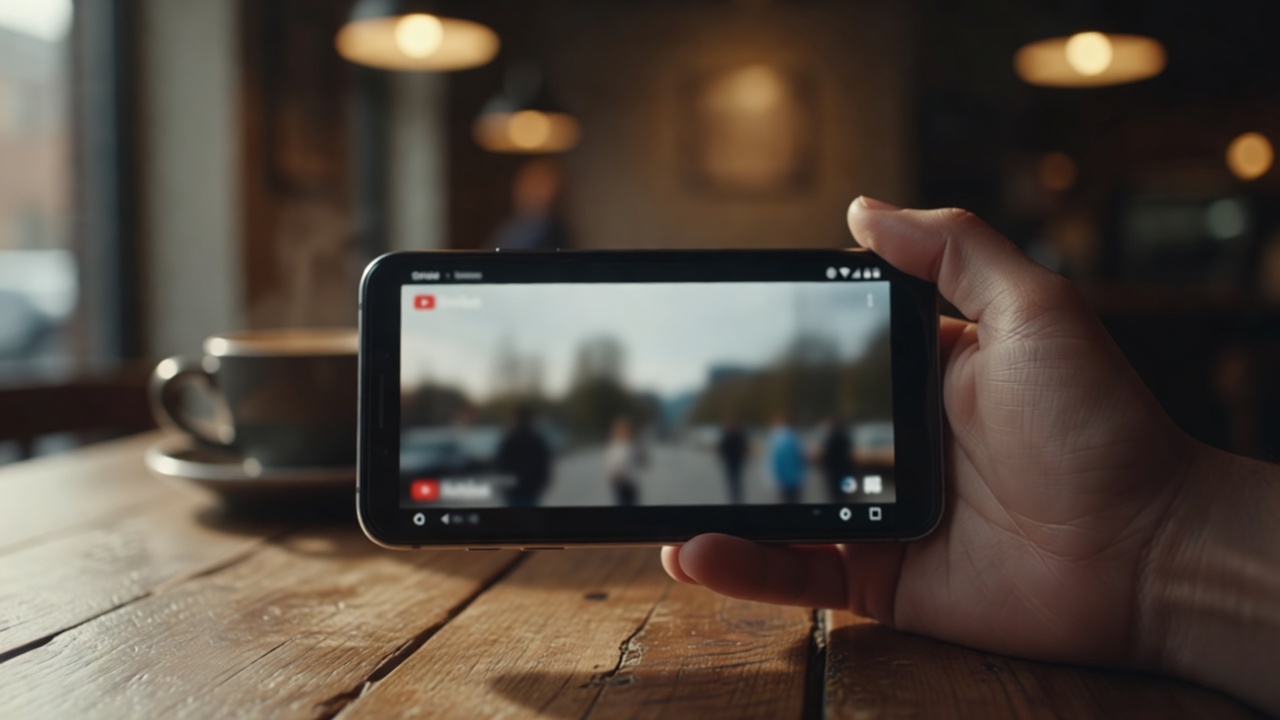
You tilt your phone sideways to watch a YouTube video, tap the fullscreen button, and instead of a full-bleed picture you get a small rectangle floating in the middle of the screen. The YouTube black bars on Android Firefox setup gives you – top, bottom, sometimes all four sides – aren't a bug. They're just what happens when video shapes and phone shapes don't line up.
The good news: unlike Chrome on Android, Firefox for Android supports real browser extensions. Which means the fix is one install away.
Why YouTube Shows Black Bars on Your Phone
Modern Android phones are tall. Most are somewhere around 19.5:9 or 20:9 – long, narrow rectangles designed for scrolling. YouTube videos, on the other hand, are usually 16:9. That's a wider, squatter shape.
When you rotate your phone and go fullscreen, YouTube tries to fit a 16:9 video onto a 20:9 screen. It picks the safe option: keep the whole video visible, add black bars on the sides. Nothing is cropped, but a big chunk of your display goes unused.
It gets worse with older or vertical content. A 4:3 clip on a modern phone ends up with black bars on every side. A landscape video watched on a phone with a notch or a punch-hole camera also has to work around the cutouts, which YouTube handles by pillarboxing.
Why the Built-in Zoom Isn't the Answer
YouTube's mobile player has a pinch-to-zoom gesture. On paper this sounds like the solution. In practice it has three problems.
First, it crops aggressively – you lose the top and bottom of the frame, which is fine for talking-head videos but ruins anything with subtitles, sports scores, or wide shots.
Second, it only works in fullscreen. Inline video keeps its black bars.
Third, it forgets. Every new video, every new session, you're pinching again. There's no memory, no default, no way to say "always fill my screen".
You need something that fills the display intelligently and remembers your preference. That's where a browser extension comes in.
Fixing It With UltraWideo on Firefox for Android
Firefox for Android is the one mainstream mobile browser that supports desktop-style extensions. UltraWideo runs on it the same way it runs on desktop Firefox.
Here's the setup:
- Open Firefox for Android and go to the add-ons menu (tap the three-dot menu → Add-ons).
- Search for UltraWideo and install it.
- Open YouTube in Firefox (not the YouTube app – the mobile web version at youtube.com).
- Start any video and rotate your phone to landscape.
- Tap the UltraWideo panel and pick a mode – Upscale or Stretch usually fills the screen cleanly.
Upscale zooms the video to fill the screen, cropping the smallest amount necessary. Stretch pulls the picture edge-to-edge without cropping, at the cost of a slight horizontal distortion – barely noticeable on live action, more visible on animation.
Custom mode lets you dial in your own scale and pan if you want to nudge the framing.
Tips for Watching YouTube on Firefox for Android
A few things make the experience smoother:
- Use the web version, not the app. Extensions can't touch native apps, so youtube.com is the way.
- Lock rotation to landscape in your Android quick settings before you start – flipping between orientations resets some players.
- Turn off battery saver for Firefox if videos stutter. Extensions add a tiny overhead that low-power mode amplifies.
- Try Pro's Per-Host Settings if you want YouTube to always open in Upscale without touching a button. Once set, it just remembers.
If you're watching on multiple devices – phone in the morning, laptop at your desk – Cloud Sync in Pro keeps your preferences aligned across all of them.
FAQ
Does this work on Chrome for Android? No. Chrome for Android doesn't support extensions. Firefox for Android is currently the only mainstream mobile browser that does, which is why this fix is Firefox-only.
Will removing black bars hurt video quality? Not in any noticeable way. Upscale mode zooms slightly, so on very low-resolution videos you might see softness. On 720p and above it looks clean.
Does it work on the YouTube mobile app? No. Extensions only run inside the browser. You need to use youtube.com in Firefox for Android.
Can I use this on other sites too? Yes. UltraWideo works on 999+ video sites – Twitch, Vimeo, embedded players, whatever you throw at it. Same modes, same controls.
Is it free? The core modes and controls are free forever. Per-host memory, cloud sync, and ambient light are Pro features.
If pocket-sized black bars have been bugging you, give UltraWideo a try on Firefox for Android. Your phone screen is bigger than YouTube thinks it is.