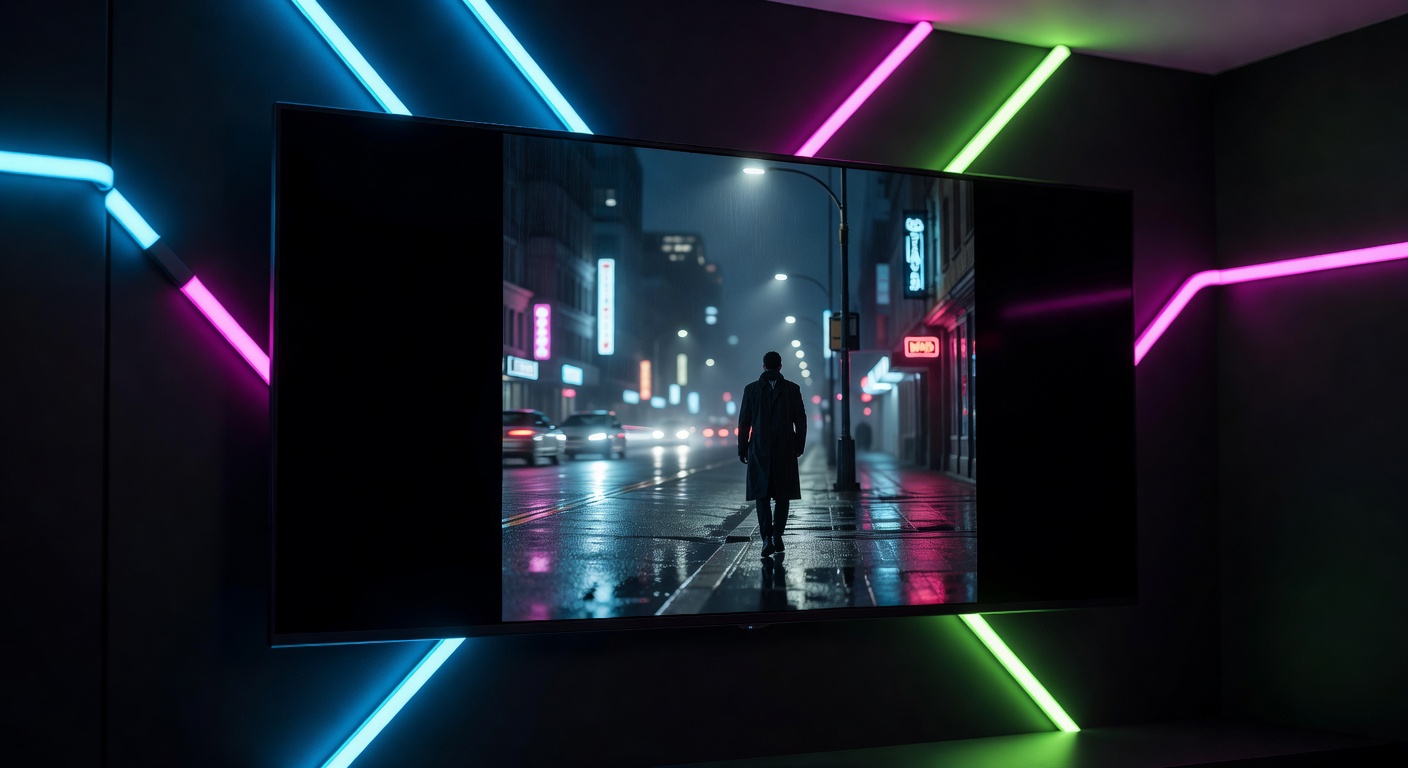
The Black Bar Problem
You bought an ultrawide monitor for the immersive experience. But when you open YouTube, Netflix, or any streaming site – black bars everywhere. The video sits in the middle of your beautiful screen with wasted space on both sides.
This isn't a bug. Most video content is produced in 16:9, and your ultrawide monitor is 21:9 or even 32:9. The browser simply doesn't know what to do with the extra space.
Why Not Just Use the Browser's Built-in Zoom?
Browser zoom scales the entire page – text, UI, everything. It doesn't selectively fill the video. You'd end up with a slightly bigger video, scrollbars everywhere, and a broken layout.
What you need is something that only touches the video element – scaling it to fill your screen while leaving the rest of the page alone.
What a Good Extension Does
A proper ultrawide extension should:
- Detect videos automatically on any website
- Scale them to fill your screen without distorting the image
- Give you control over how much to scale, stretch, or crop
- Work in fullscreen and inline – not just one or the other
- Stay out of your way – no popups, no distractions
The UltraWideo Approach
UltraWideo does all of the above with a clean floating panel that you can drag anywhere. It supports four modes – normal, upscale, stretch, and custom – plus manual scale and pan controls for precise adjustments.
It works on every website, supports both Chrome and Firefox, and the free tier covers everything most people need.
If you've been living with black bars on your ultrawide, give it a try. You'll wonder why you waited.